HamatsantsAvto
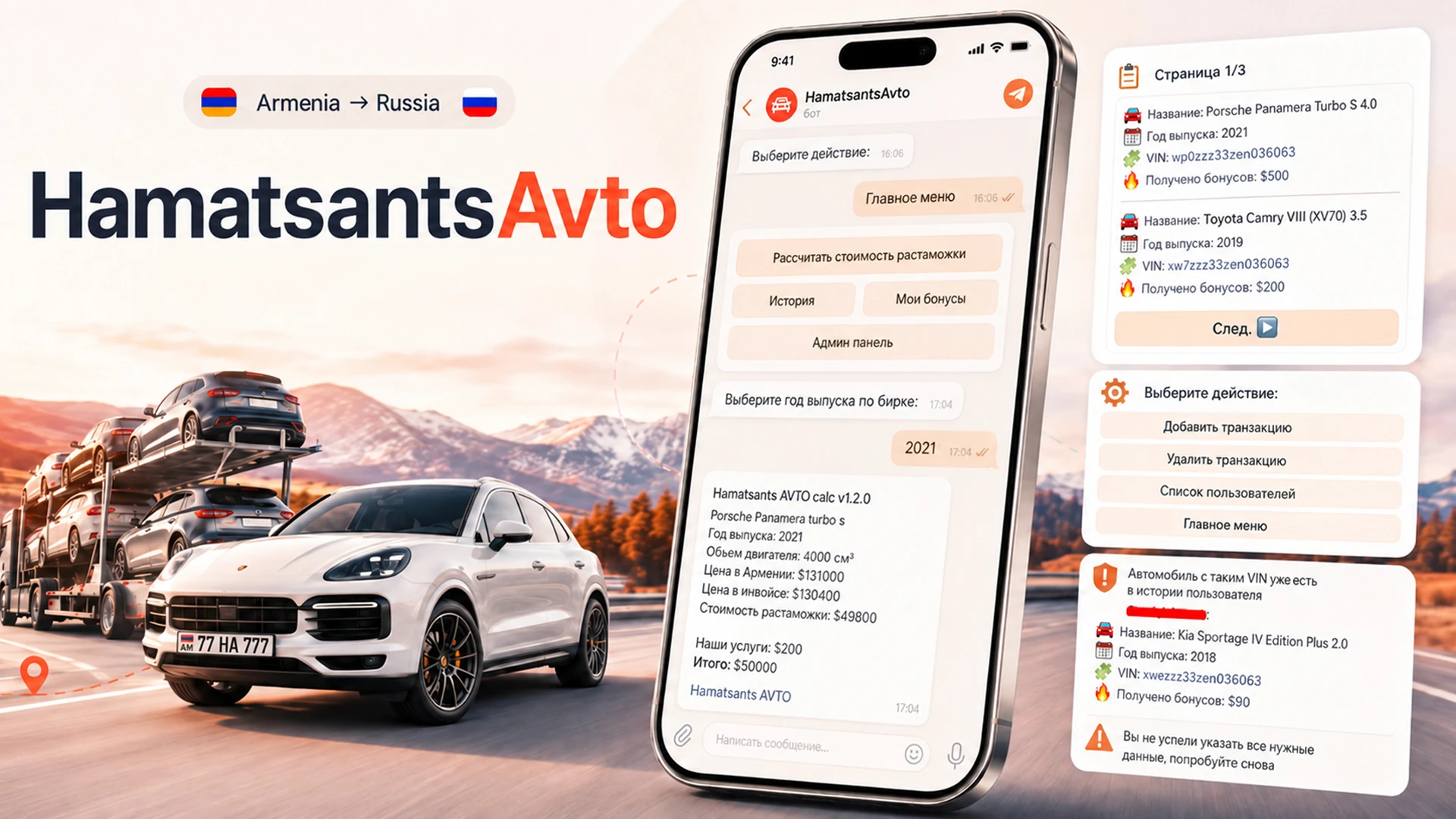
A Telegram bot that calculates customs clearance for cars imported from Armenia into Russia: rates from Google Sheets, deal history, an admin panel and paid access for other companies.
Stack
- Python
- aiogram
- Google Sheets API
- SQLite
Problem
Managers worked out the cost of importing a car by hand: they took published customs data and tables, checked them against other sources, assembled the calculation and gave the client the result in person, over the phone or in a chat. Customs was only part of it: delivery, fees, the company's own charge and exchange rates all went into the total, so every enquiry was put together from scratch.
Solution
The bot walks the client through the car's parameters step by step and returns a finished breakdown of the deal. It reads the source data from a Google Sheet that company staff updated as the underlying customs data changed. Deals have a history with the bonuses awarded, staff have an admin panel, and everything entered is validated.
Key technical decisions
- The source data lives in a Google Sheet and is read through the official API. Company staff updated the rates and the list of cars as the underlying customs data changed, so a change in the rules needed no developer.
- Access runs through a whitelist of Telegram IDs with roles and requests: free for the company's own clients, paid for everyone else.
The media below comes from the product itself, so interface text and any audio are in Russian.
A Telegram bot that works out the cost of clearing a car imported from Armenia into Russia, and helps the company run deals with its clients. It reads current data from Google Sheets, walks the user through choosing the car’s parameters step by step, and breaks the deal down: the price in Armenia, the invoice amount, the customs cost and the company’s fee. The project also has a history of cleared cars with client bonuses, an admin panel and validation of everything the user enters.
Choosing a car
The bot reads the available cars and the clearance rates from a Google Sheet and builds a menu where the user can pick the car’s parameters and see the total cost straight away.

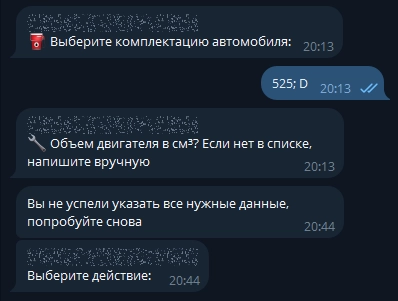
The menu is built on a state machine (FSMContext): the conversation goes step by step, moving between keyboard pages is easy, and abandoned sessions don’t pile up. After 30 minutes of inactivity an incomplete form is cleared, the temporary state is reset, and the user is returned to the menu.
Clearance cost
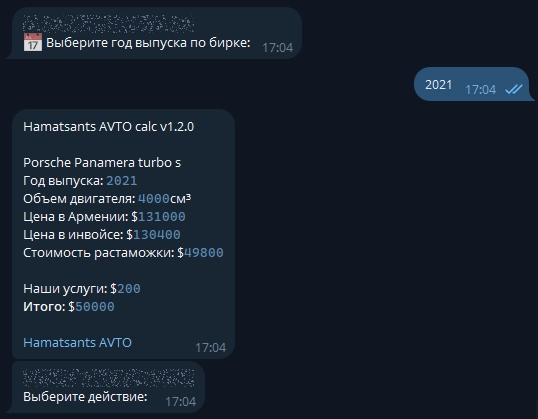
Once every required parameter is chosen, the bot runs the calculation and lays the result out clearly: the price of the car in Armenia, the invoice price, the cost of customs clearance and the company’s fee.
History

The history section lists every car the user has cleared, with a short summary of each and the bonuses awarded for the deal. Bonuses are credited in dollar terms once a member of staff confirms the deal, and they expire after two months. They can be spent as a discount on the next deal, up to $1,000 at a time; spending them also goes through a member of staff. When there are many deals, the history is paginated (the example shows two entries per page).
Admin panel
The bot has an admin panel. An administrator can add or remove a deal by hand and look through the list of users with their history. This runs on a state machine too: data is entered in stages, and long lists of suggestions are split across keyboard pages.

Access control
The bot was free for the company’s own clients. Resellers and representatives of other companies bought access for $100 a month.
Access runs on a whitelist of Telegram IDs with roles and requests. When someone new tries to use the bot, a member of staff with the right role gets a notification and can grant access with a button straight from it. Access that has been granted can be revoked.
Validation
Everything the user enters is validated before it is confirmed: a car, model, trim or engine size that does not exist cannot be selected. Deals added by an administrator are checked too. If a car with that VIN is already in the history, it cannot be added again.

Results
- Manual calculation stopped being a required part of the process: clients could work out the cost in the bot themselves, while staff entered the parameters during a call and gave the finished figure straight away.
- The bot found demand beyond the company's own client base: resellers and representatives of other companies bought access for $100 a month.
- The project was in use for several years and was wound down for reasons that were not technical: once the terms for importing cars through Armenia changed, the line of business stopped being commercially viable for the company.