Tady
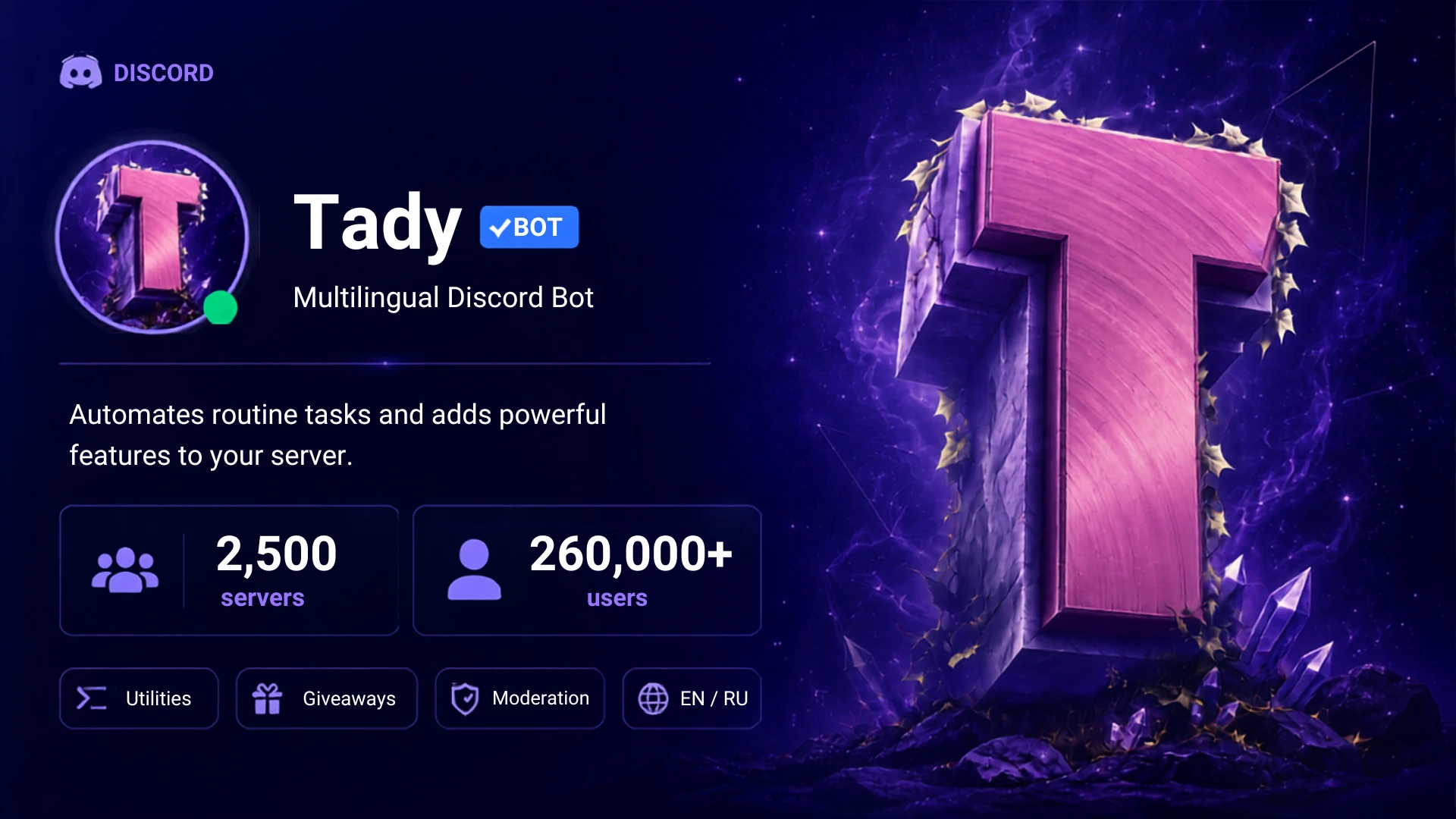
A public Discord bot for communities: 2,500+ servers and 260,000+ users at peak, a custom shard manager in PHP, Redis for live state and a bilingual interface.
Stack
- PHP
- DiscordPHP
- MySQL
- Redis
- JavaScript
- discord.js
- Node.js
Problem
The Discord communities I spent time in kept needing the same handful of things: splitting members into random teams, setting up counting channels, running giveaways in Russian with the right conditions, and moderating the server with less friction. The bots that existed covered single cases, and even putting several of them together did not add up to the whole set. So Tady began as a private bot for a few Discord servers.
Solution
Once it was clear other communities wanted the same things, the bot went public. It reached a hundred servers quickly, and that threshold brought Discord's mandatory verification with it. The review for the privileged intents some commands depend on was a process of its own. As the project grew, I adapted the architecture to its scale: sharding, Redis for the active state, and a multilingual interface.
Architecture
Key technical decisions
- Shard manager: the connection to Discord is split across several Gateway connections, each in its own PHP process. DiscordPHP takes a shard number but doesn't manage processes, so the project has its own process manager to start, monitor and restart them.
- Redis as the active-state layer with the database as the source of truth: on restart the bot rebuilds state from the database, and new giveaways are written to both at once.
- The language comes from the user's own Discord settings, with English as the fallback, so a Russian-speaking server never has to switch anything by hand.
- Error handling tells whether the user or the bot is missing a permission, and names the permission in the caller's language.
- Privileged intents trimmed to what is still needed: all three were requested at verification, but Presence is no longer used, so the current review covers only Members and Message Content.
Scale and sharding
Once it grew past 2,500 servers, the project moved to Discord sharding, which is mandatory at that scale.
A shard in Discord is a single Gateway connection. Guilds are distributed across shards by a formula on their id, and one shard supports at most 2,500 servers. DiscordPHP accepts sharding parameters but ships no ready-made manager for shard processes, so Tady got one of its own: each shard ran in its own PHP process, and starting, watching and restarting them was automated. State stayed shared across the processes: Redis held the active giveaways and their timers, while MySQL served as the source of truth and kept the persistent state. A shard process restarting did not lose the active state: it was rebuilt from MySQL into Redis, covering giveaways, LFG, counting channels and the other scenarios that persist.
A separate version on Node.js and discord.js was built over the course of the project. Work on that branch was stopped later, and production stayed on PHP and DiscordPHP.
Multilingual interface
The bot supports Russian and English. Replies, button labels and help messages follow the language the user has selected in Discord. If that language is not supported, it falls back to English.
Error handling
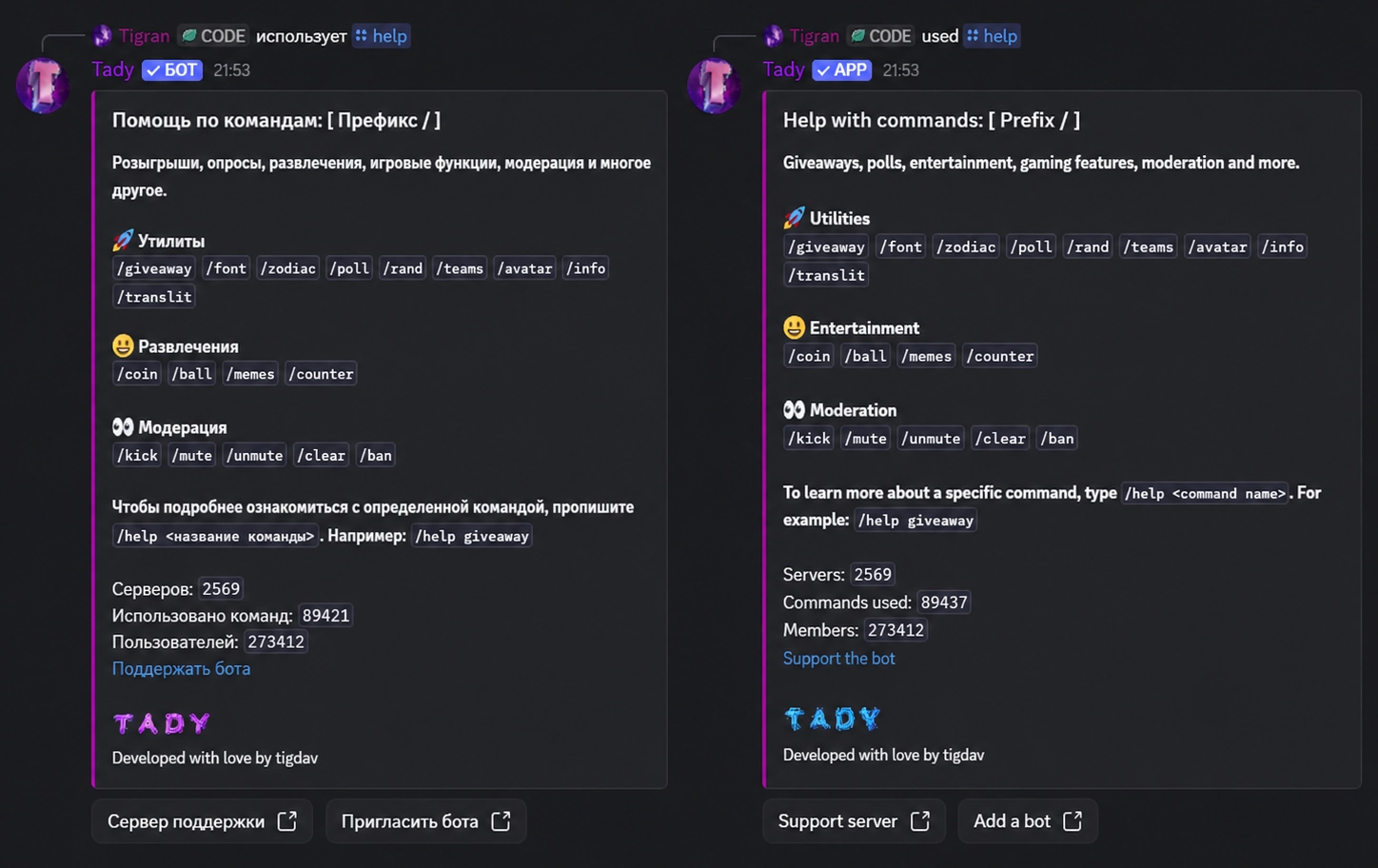
The bot tells refusals apart by cause and answers each one differently. When a permission is missing, it works out whether the user or the bot lacks it and names the permission in the caller’s language. Cases that have nothing to do with permissions are handled separately: a member whose role is equal to or above the caller’s, or an administrator who is immune to mute. Every reply names the reason and, where there is one, the next step, and if that doesn’t help, it links straight to the support server.
Durations
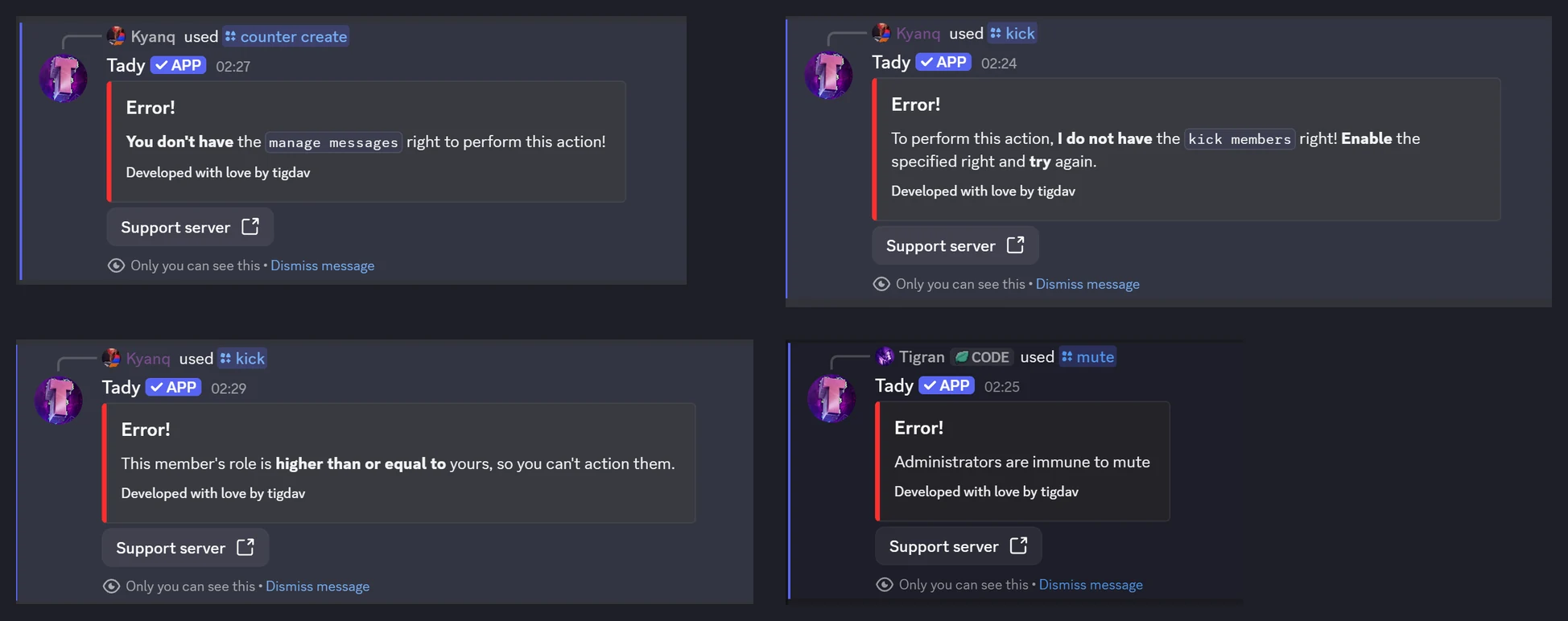
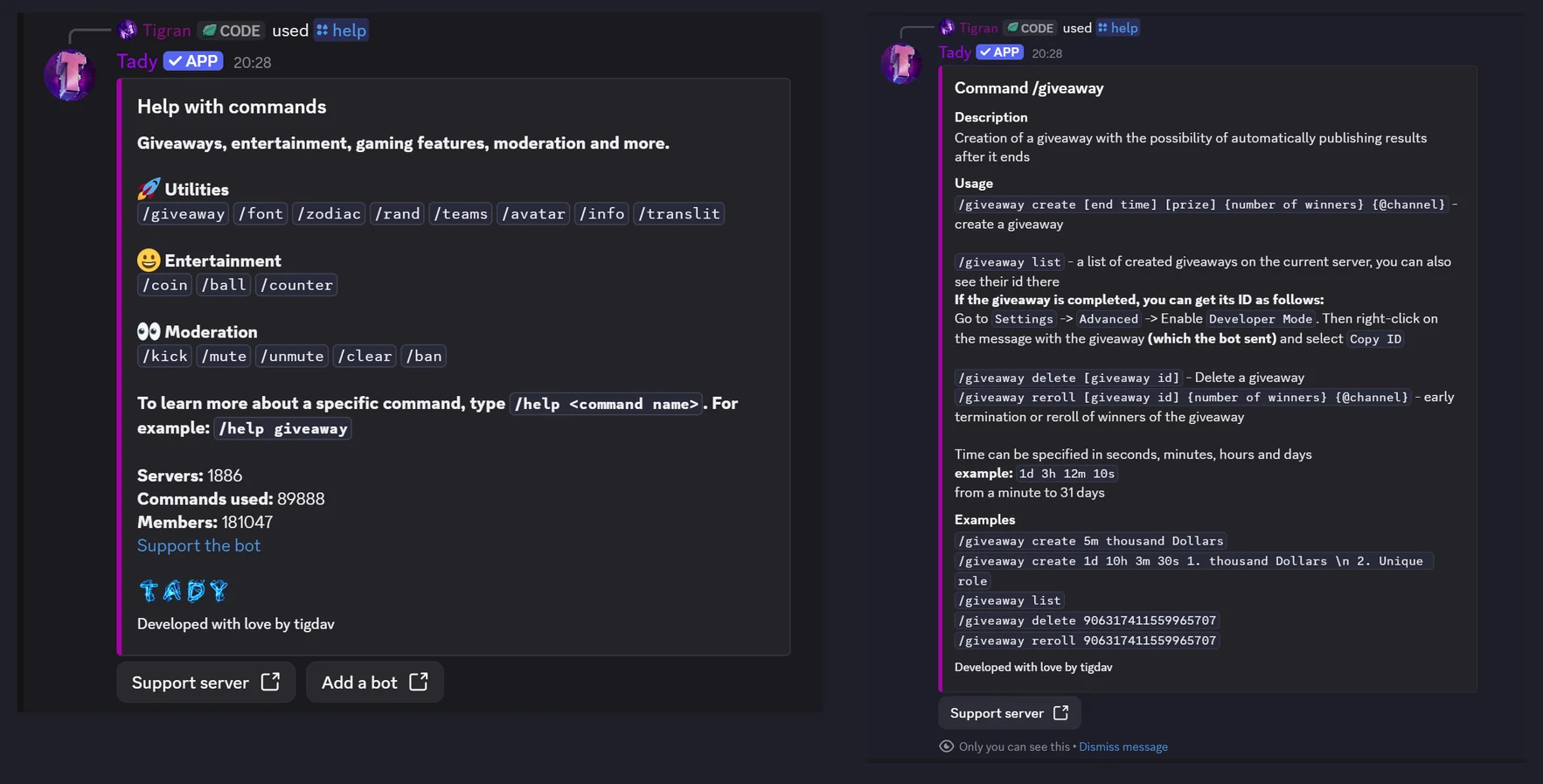
Durations are written as text, with no need to convert units by hand. 1d 3h 12m 10s, for instance, is read as 1 day, 3 hours, 12 minutes and 10 seconds. The same format works in every command that takes a duration.
Giveaways
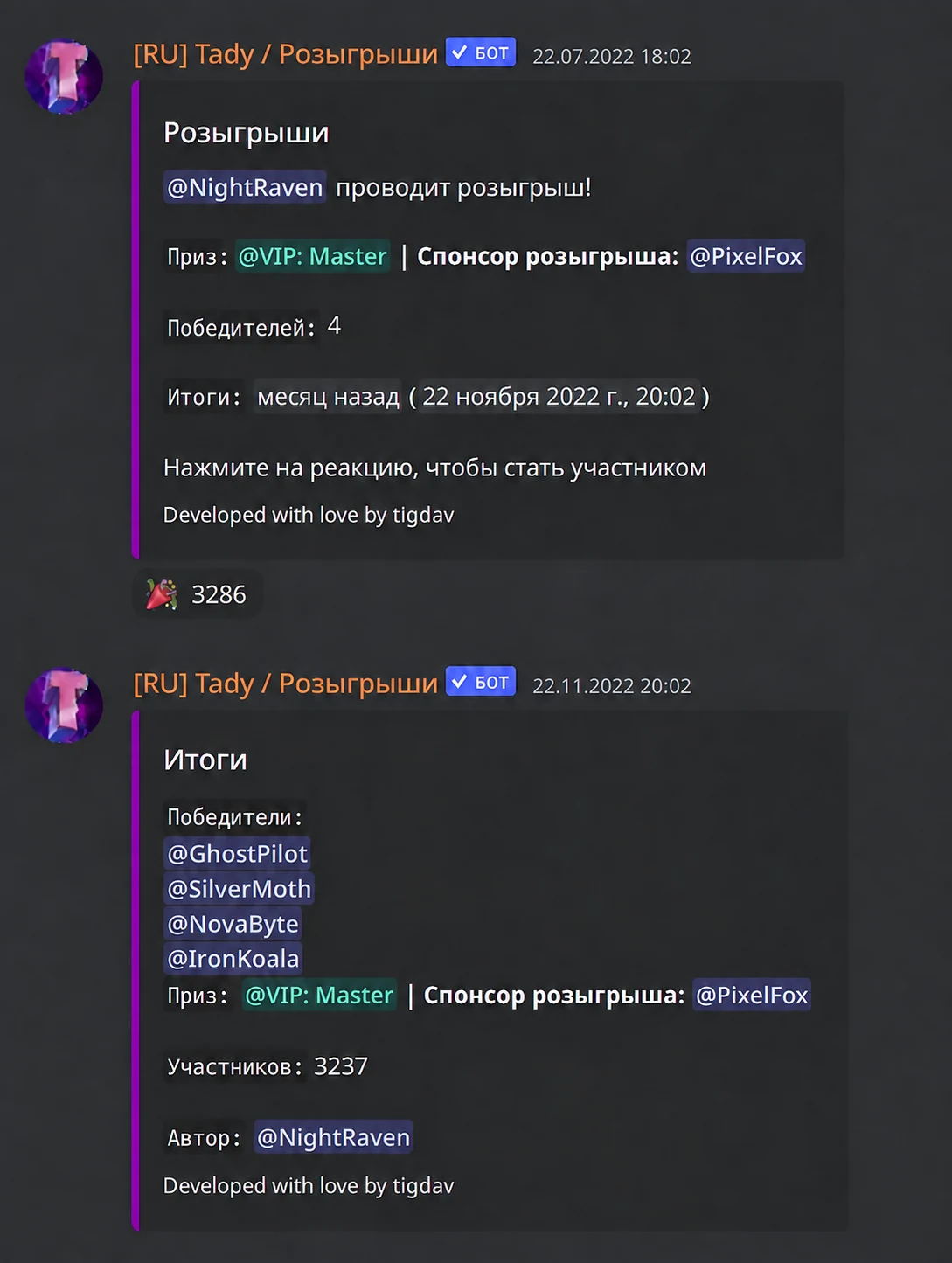
The bot runs giveaways that end automatically on a timer, through the /giveaway command. The duration uses the same format as everywhere else. Once started, the bot tracks the time left, wraps the giveaway up on its own and picks one or several winners at random from the entrants. Whoever started it can see their running giveaways, end them early, and reroll the winners if needed.
Help and hints
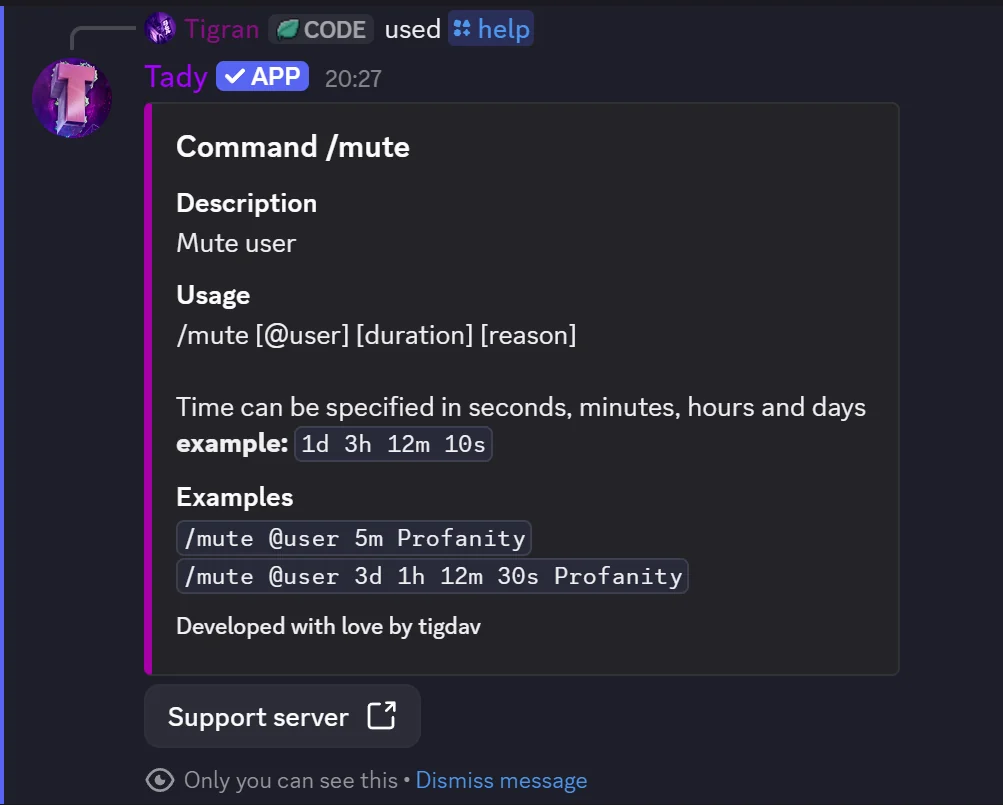
Every command comes with a short description, instructions and examples: /help lists the commands and /help <command> explains one in detail. That reply is visible only to whoever asked for it, so it does not clutter the channel.
Support server
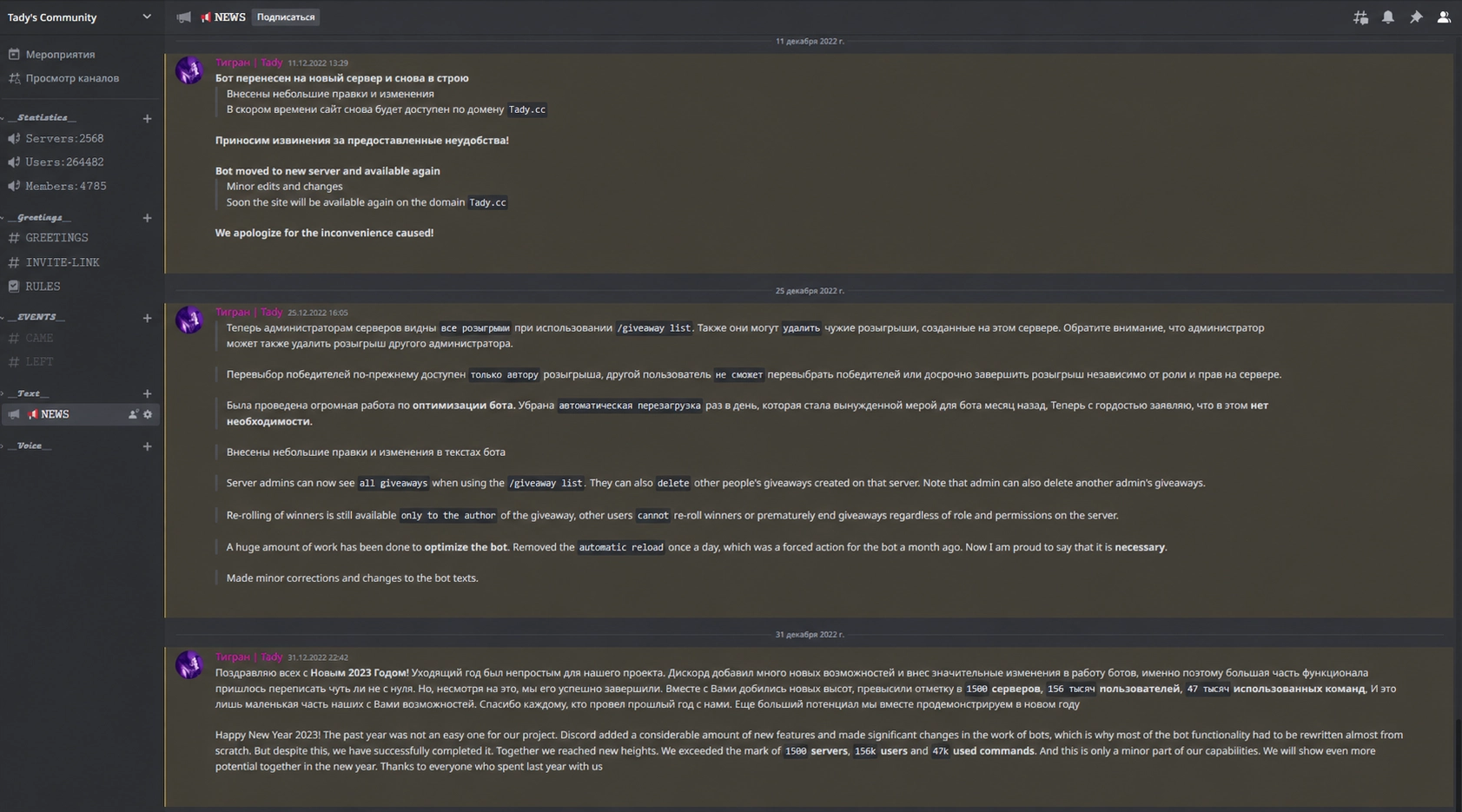
The bot has a support server where users get help, find answers to common questions and follow project news. The bot never sends broadcasts in direct messages or on users’ servers.
Utilities and fun
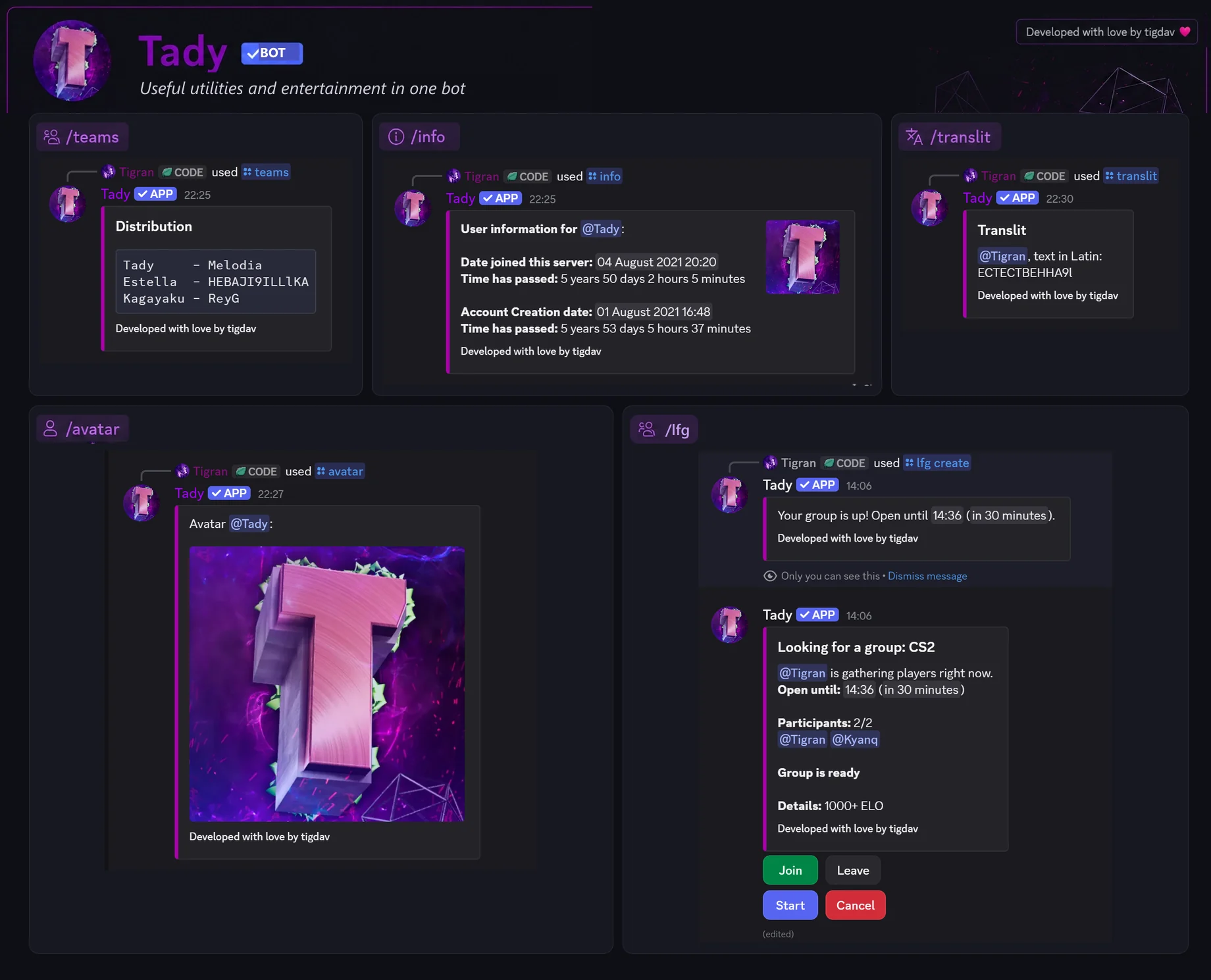
Beyond the main use cases, Tady has a few small commands for a community’s everyday needs: /teams splits people into teams at random, /translit converts Cyrillic nicknames to Latin, /info and /avatar show account details, and /counter sets up counting channels. /lfg stands apart: the bot posts a group with its slots and deadline, people join with a button, and it announces the group itself once the slots are filled.
Results
- Passed Discord verification and the privileged-intents review, without which the commands don't work at scale.
- Grew from a private bot for a few communities into a public project that is still running and still maintained.
- Sharding and the shared state let the bot scale without tying the whole load to a single Gateway connection or process.
Metrics
- Discord servers at peak
- 2500+
- users at peak
- 260 000+
Facts
- A bug in Discord's ticket system made verification take four months. For all of that time, platform restrictions meant users could not invite the bot to their servers.